Auto-Suspend and Auto-Resume Tuning for Snowflake Warehouses
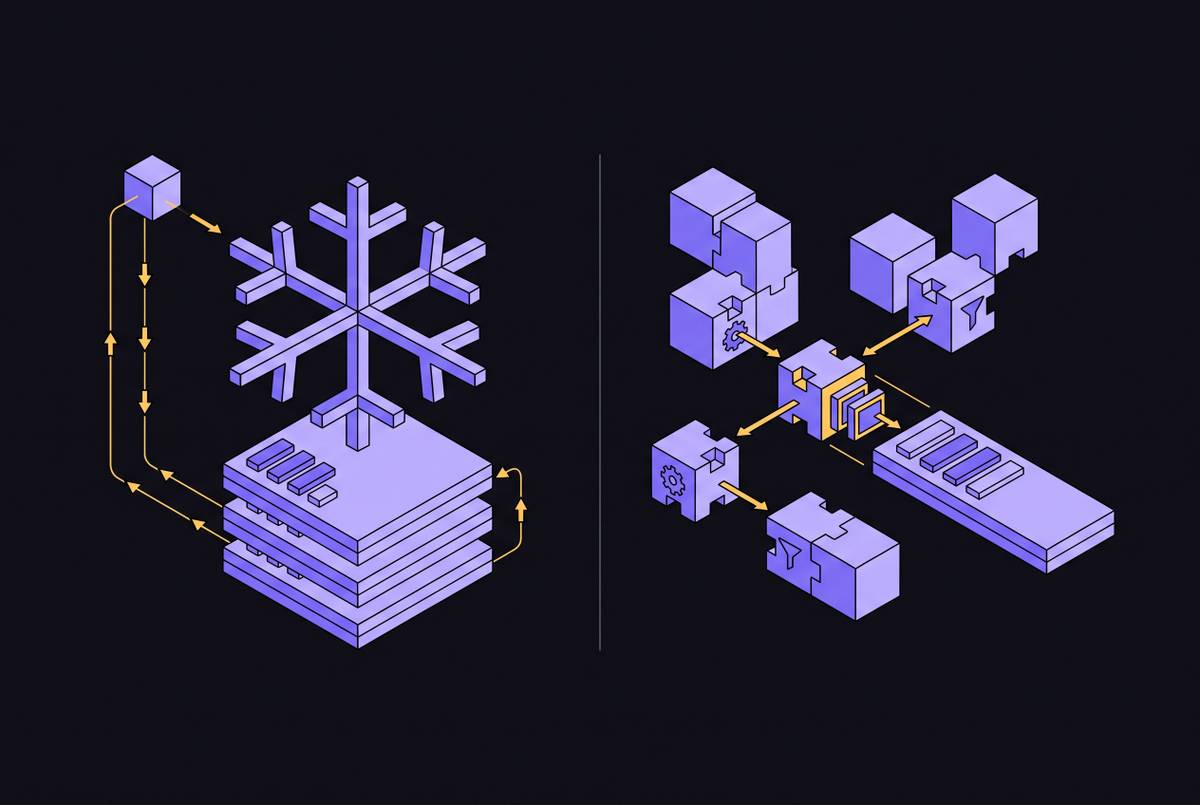
Shorter suspension windows cut idle compute waste when query patterns don't require cached data.
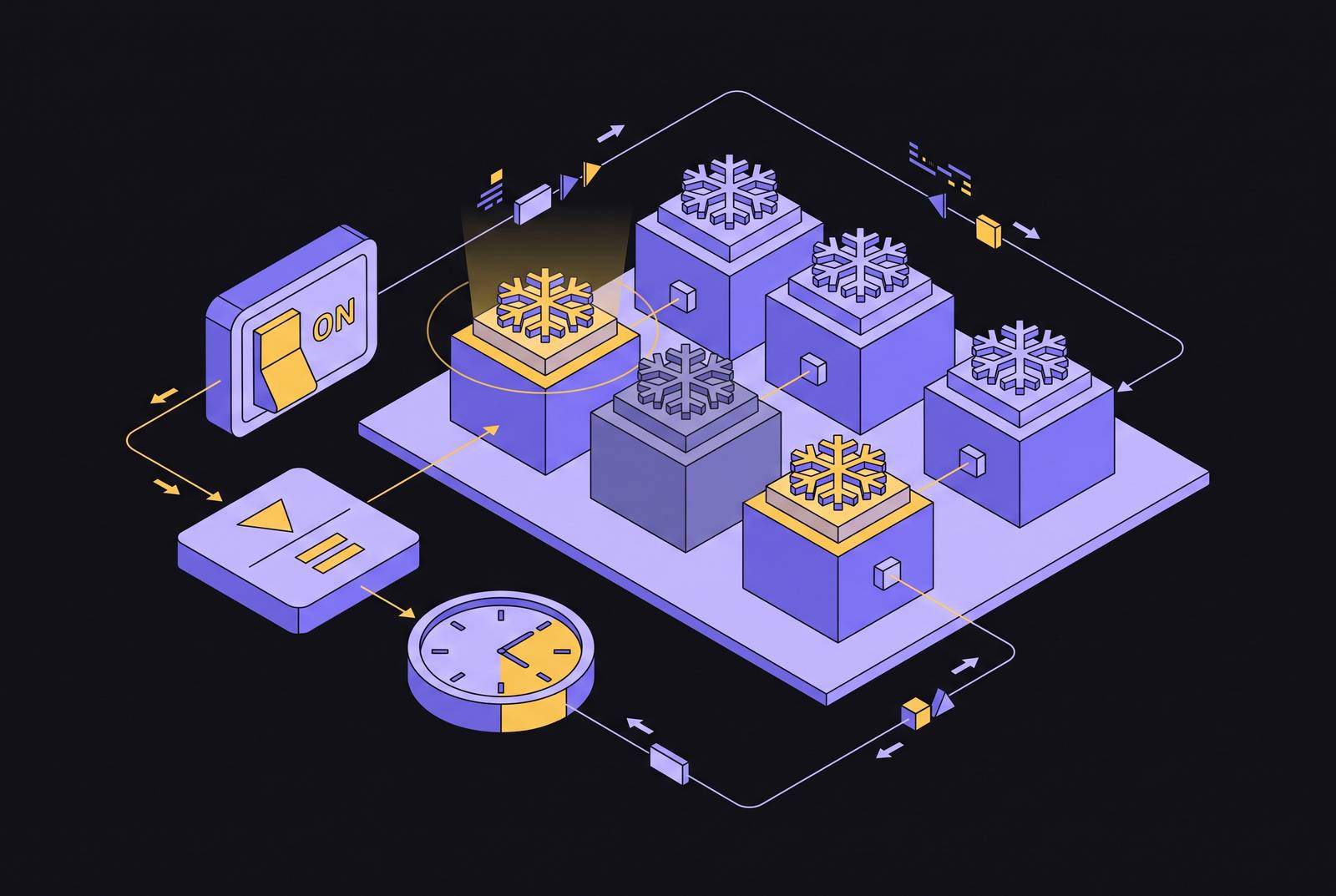
Auto-suspend and auto-resume tuning for Snowflake warehouses is a workload decision. Matching suspension to query cadence and cache sensitivity does the most to cut idle compute waste with the least effort. For most interactive warehouses, 60 seconds is the right starting point, with departures justified by measured query behavior.
Why idle compute is Snowflake's most common and most avoidable cost
Snowflake charges for a running warehouse whether it is executing queries or waiting between them. After that first minute, every idle second bills at the warehouse's full per-second credit rate. MyDataInsights' 2026 guide says compute is a much bigger variable cost than storage, which explains why teams working on the same data can get very different bills.
The default AUTO_SUSPEND value of 600 seconds allows those idle seconds to accumulate. Queries that arrive every few minutes reset the 10-minute timer before it runs out, keeping an interactive warehouse awake through business hours. Revefi's 2026 guide identifies idle costs across many warehouses as a contributor to “bill shock,” together with inefficient queries and overprovisioning.
How auto-suspend and auto-resume actually work, and the cache trade-off at the center of every tuning decision
Auto-suspend stops idle credit accumulation, while auto-resume restarts the warehouse when a new query arrives without manual intervention. Snowflake's warehouse considerations docs treat these controls as a primary cost-and-performance decision together with warehouse size. The controls are complementary, but transparent resumption does not mean that suspension has no performance cost.
Suspension clears the local SSD cache, forcing subsequent queries to re-read micro-partitions from remote cloud storage. Snowflake's warehouse considerations docs explain that the cache rebuilds as queries run after resume. Larger warehouses have larger caches, making the cold-start penalty more pronounced at higher sizes when queries reuse cached data. Preserving that cache is the legitimate reason to keep an otherwise idle warehouse running.
The background suspend process runs approximately every 30 seconds, so values below 30 or values that are not multiples of 30 may not behave as expected. Shorter settings also remain subject to the minimum charge on each start. These rules create a U-shaped cost curve because resume thrashing and minimum charges push costs up at very low settings, while idle time pushes them up at long settings. For most interactive workloads, the low point sits around 60 seconds.
Why 60 seconds is the right starting point for most warehouses, and what pulls the setting higher or lower
For most interactive, ad-hoc, and non-cache-sensitive warehouses, 60 seconds is the correct starting AUTO_SUSPEND value. It limits the wait after the last query while allowing auto-resume to handle the next request. MyDataInsights' 2026 guide says short auto-suspend settings are the biggest way for mid-market teams to cut costs and suggests a minute or two as a general rule. Stellans' 2026 guide recommends 60–120 seconds for interactive ad-hoc workloads.
Meaningful cache reuse in QUERY_HISTORY can justify a longer timeout, particularly when analysts issue bursts of queries separated by several minutes. Cache-sensitive BI and reporting warehouses may need a 5-to-10-minute window. A warehouse that preserves useful cache can be cheaper overall than one that repeatedly suspends and scans the same data from a cold start. Without measured dependency, however, a longer timeout pays for a performance benefit that may not exist.
Fully programmatic ETL or batch workloads can support shorter settings when queries run back-to-back, cache warmth is irrelevant, and gaps between jobs are predictable. Below 60 seconds is therefore a conditional choice. The minimum billing floor applies even when the configured timeout is shorter.
Workload-specific tuning targets for interactive BI, ETL/batch, and dev/test warehouses
Interactive and ad-hoc warehouses should start at 60 seconds with AUTO_RESUME = TRUE, allowing sporadic queries to release compute quickly. For dev/test warehouses, the starting point should also be 60 seconds. BI and reporting warehouses can use 5–10 minutes to keep warm-cache performance when measurements show that their queries depend on the cache.
ETL and batch warehouses running dbt, Airflow, or other orchestrated jobs should generally use 60–120 seconds for back-to-back work. A 30-second setting is acceptable for fully programmatic tasks with known cadence and no need for warm cache. MyDataInsights' 2026 guide recommends separating loading, transformation, BI, and ad-hoc workloads so each can have its own settings. Snowflake's warehouse considerations docs likewise explain that homogeneous workloads make load analysis and configuration easier. Mixing these workloads obscures the signal needed to choose a defensible timeout.
The hidden sources of idle waste that correct AUTO_SUSPEND values alone cannot fix
A correctly configured timer cannot expire if background queries keep resetting it. Monitoring agents, BI connection pools, and dashboard refreshes can issue trivial queries every minute or two, preventing suspension despite little useful work. QUERY_HISTORY exposes this pattern as suspiciously regular, low-duration queries on a warehouse with high idle time. MyDataInsights' guide illustrates how dashboard refreshes every few minutes keep a warehouse with a 10-minute timeout awake almost continuously. A shorter timeout can help in that case, but teams still need to check keepalive traffic on its own.
Disabling AUTO_SUSPEND entirely turns a cold-cache complaint into a warehouse running 24/7 at full credit rate. Setting AUTO_RESUME = FALSE creates a different failure, since queries cannot transparently restart a suspended warehouse. Astrato's best practices guide warns that queries can fail with this setting. Those failures can prompt teams to disable suspension rather than correct the resume setting, leaving the cost problem in place.
Warehouse size compounds these behavioral failures. An oversized warehouse that sits idle wastes both running time and excess capacity. Auto-suspend tuning and right-sizing therefore multiply their effect. MyDataInsights' 2026 guide recommends periodic size reviews because workloads change. A suitable timeout does not make an unsuitable warehouse size economical.
Measuring idle time before changing settings: the WAREHOUSE_EVENTS_HISTORY and QUERY_HISTORY audit
Before changing settings, measure the gap between running time and query execution time. In WAREHOUSE_EVENTS_HISTORY, pair each RESUME_CLUSTER event with its following SUSPEND_CLUSTER event to define a running interval. Then match QUERY_HISTORY records to the same warehouse and interval and sum query execution time over that window. Subtract busy time from running time to estimate idle time. The main targets are warehouses that run for many hours and spend a high percentage of that time idle.
This calculation is most meaningful on single-cluster, interactive warehouses, where auto-suspend waste concentrates. On busy multi-cluster warehouses, concurrent queries can make summed execution time exceed wall-clock running time. Floor the calculated idle time at zero to avoid misleading negative results. The audit is a targeting tool, and its limits matter when interpreting heavily concurrent workloads.
Next, run the SQL command SHOW WAREHOUSES; to inspect settings that are not exposed in ACCOUNT_USAGE views, including its auto_suspend field, which reports seconds, with 600 representing the untouched default and any value of 300 or higher warranting review. Cross-reference those results with the idle ranking and flag auto_resume values of false. Resource monitors with credit budgets, alert thresholds, and a suspension cap provide a safety layer. Comparing idle costs with measured cache reuse then turns the cache debate from opinion into arithmetic.
How Gen2 warehouses and Adaptive Compute change the tuning calculus
Gen2 warehouses have a higher per-credit rate than Gen1, so each idle second costs more. Their performance gains matter when queries run. Precise suspension settings therefore become more financially consequential.
Adaptive Compute, announced at Summit 2026 and now generally available, automatically selects cluster size, concurrency settings, and auto-suspend/resume duration. Teams no longer need to configure those values manually for the workloads it covers. Pfizer's Steve Ring, Director of Enterprise Database Solutions, spoke about the company's time in the private preview of Adaptive Warehouses, where it brought workloads together and had built-in FinOps tools including Budgets. Adaptive Compute benchmarks show material performance improvements versus Gen1. Its coverage remains a subset of workloads, so its benefits do not remove the need to identify which warehouses still require manual control.
Cortex Search adds a separate tuning surface, with AUTO_SUSPEND in Public Preview as of May 11, 2026. Its serving compute can suspend after query inactivity and resume on a new query, but its minimum value is 1,800 seconds, or 30 minutes. Applications must account for the resume period with retry logic. Cortex AI functions run serverless, but the virtual warehouse that runs SQL from Cortex Analyst still needs the usual suspension tuning. Understanding the manual controls remains essential both outside Adaptive Compute's coverage and across these distinct compute layers.
What embedded and SaaS data products need to account for when their application queries Snowflake on behalf of customers
For embedded analytics and SaaS products, suspension changes both how well the product works and how much its infrastructure costs. A warehouse resuming during a user session introduces latency that the customer attributes to the application. The application layer must handle HTTP 429 responses with retry logic. Warehouse isolation by tenant or workload type allows separate timeout settings and prevents one tenant's activity from resetting another's suspend timer.
Credential sprawl through third-party integrators is the leading security exposure identified for multi-tenant data architectures. Products delivering connectivity through an SDK, API, or white-label pipeline need to treat warehouse credentials, RBAC, and audit logging as first-class concerns. Enterprise customers expect SOC II Type 2 certification and end-to-end encryption as a baseline.
Purpose-built white-label data integration platforms can handle secure, scalable transport for teams that want connectivity as a product feature without maintaining bespoke warehouse pipelines. Destination-based pricing can also avoid penalizing teams for moving more data. That division leaves the application team responsible for query behavior and the user experience. Auto-suspend tuning belongs at that boundary because transport alone cannot resolve the latency and cadence of customer queries.
A prioritized action sequence for teams starting the tuning process now
First, run the WAREHOUSE_EVENTS_HISTORY and QUERY_HISTORY audit and rank warehouses by idle percentage multiplied by running hours. This identifies where avoidable running time is concentrated. Next, run SHOW WAREHOUSES, flag timeouts of 300 seconds or higher and AUTO_RESUME = FALSE, and compare those results with the idle ranking. Teams adopting Adaptive Compute should complete these baseline checks before deferring manual tuning for covered workloads.
Then apply workload-matched defaults, using 60 seconds for interactive, ad-hoc, and dev/test warehouses. Use 5–10 minutes for BI only when query data confirms cache dependency, and 60–120 seconds for ETL and batch work. Enable auto-resume across these warehouses. After changing the settings, check warehouses with high idle time for small queries sent at regular intervals by monitoring tools or BI keepalives, then stop or batch that traffic.
Finally, use resource monitors to set warehouse credit budgets, thresholds for alerts, and a cap that triggers suspension. MyDataInsights' 2026 guide treats these controls as the enforcement layer that keeps optimization from depending on settings alone. Check warehouse size as part of the same routine, since more capacity and more idle time each make the other cost more. Return to the measurements and settings in a 90-day review so tuning remains a habit.