Snowflake Dynamic Tables for Incremental Transformation Pipelines
Snowflake automates incremental pipelines without hand-coded scheduling logic.
Snowflake Dynamic Tables exist because the older way of building incremental pipelines, wiring Streams, Tasks, and scheduling logic together by hand, costs engineers more over time than it should. That older model is imperative: someone has to build and maintain the orchestration code alongside the transformation code, so a pipeline change rarely touches just one object. Snowflake's own introduction of Dynamic Tables in 2023 named the underlying difficulty directly: reliably identifying which rows changed and propagating that change through a chain of dependent tables is the hardest ongoing problem in data engineering at scale. Teams that try to dodge this by running full refreshes on a schedule find that the fix doesn't last. As data grows, a full refresh takes longer and costs more each time it runs, so the approach gets worse exactly as the business depends on it more. Object count compounds fastest: every step in a multi-hop pipeline adds a stream, a task, and a schedule, so a five-stage pipeline means fifteen objects to version, monitor, and debug. That multiplication, not any single failure, is what makes a declarative alternative worth taking seriously.
The declarative model and incremental refresh
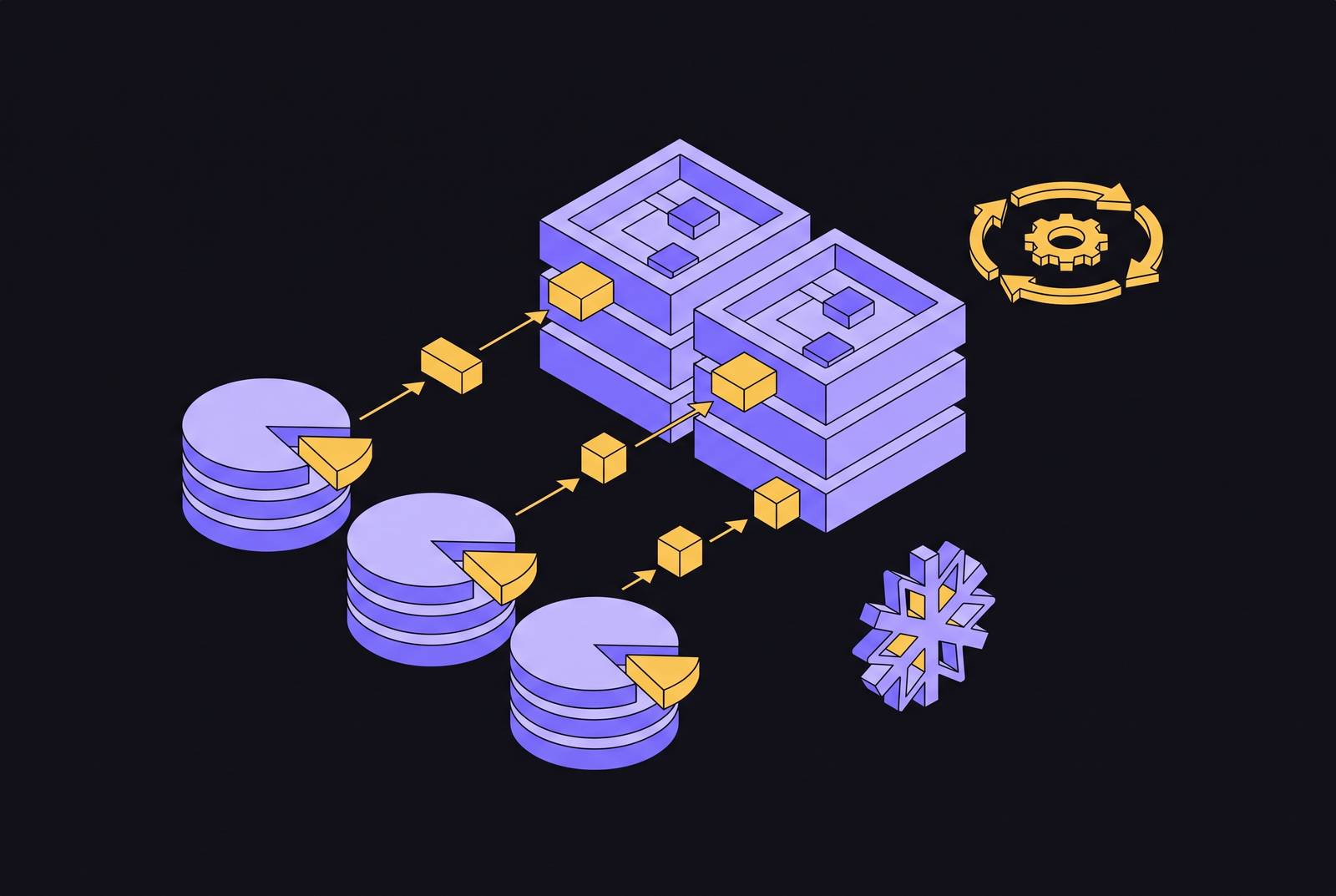
A Dynamic Table collapses that stream-task-schedule triplet into one object: a CREATE DYNAMIC TABLE statement that holds a SELECT query and a TARGET_LAG value. Where a single transformation step used to require a stream to track changes, a task to run on a schedule, and separate configuration to tie them together, it now requires one declared query and one freshness number. Snowflake takes over scheduling, dependency resolution, retries, and the transactional guarantees that previously had to be coded and tested by hand. The engineer states what the result should look like and how fresh it needs to be, and the platform figures out when and how to get there.
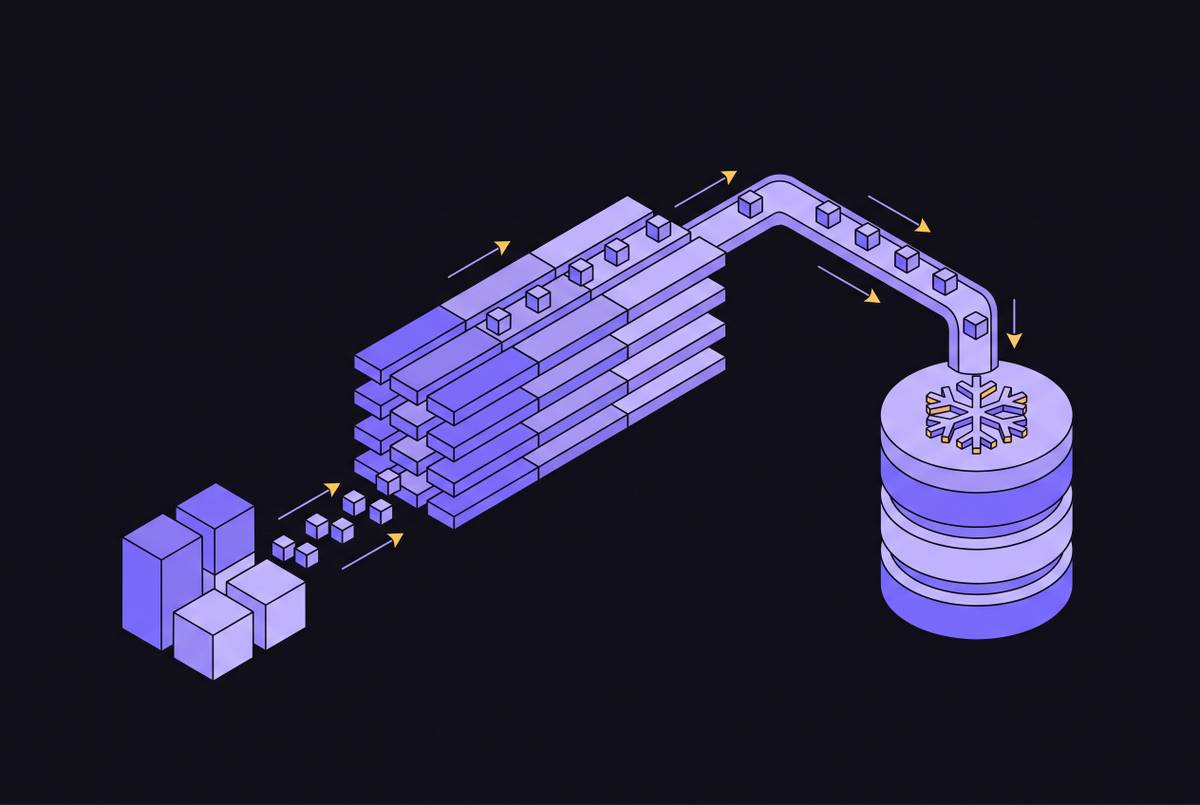
The mechanism doing the real work is incremental refresh. Snowflake does not recompute the full result set on every run: it detects which rows in the source tables changed since the last refresh and reprocesses only those rows. TARGET_LAG is the contract that governs this: it sets the maximum acceptable delay between a change landing in a base table and that change showing up in the Dynamic Table. An engineer is stating a business requirement (guests should see updated balances within a minute, a dashboard can tolerate an hour) rather than picking a cron interval and hoping it holds up as volume grows.
For pipelines with more than one hop, the DOWNSTREAM lag option matters just as much as TARGET_LAG itself. An intermediate Dynamic Table set to DOWNSTREAM only refreshes when something that depends on it actually needs fresh data. That keeps an intermediate table from burning compute on a schedule of its own when no consumer is waiting on the result, which is precisely the kind of waste that imperative scheduling tends to produce by default.
The Bronze-Silver-Gold pattern: how incremental Dynamic Tables fit a layered pipeline
The most common way production teams deploy this model is a layered pipeline with raw, refined, and reporting-ready stages. Raw data lands in Bronze untouched. A Dynamic Table with a longer TARGET_LAG refines it into Silver. A Gold table gets a shorter lag, and it produces the reporting-ready output that dashboards and downstream consumers actually query. Each layer carries a freshness target suited to what sits on top of it: a Gold table feeding a live dashboard might need a short window, while a Silver refinement step can tolerate a longer lag and run in DOWNSTREAM mode so it only fires when Gold actually needs it. Compute follows demand instead of running on a fixed clock regardless of whether anyone needs the output yet.
Two production cases show what this architecture delivers once it's running. At Wind Creek Hospitality, senior data engineer Sergey Labetsik led a move of a dbt batch job that had been stuck on a 30-minute schedule onto a Dynamic Tables pipeline, and this cut end-to-end latency to under a minute. The practical effect: guests became eligible for food vouchers and received them within about a minute, with no separate streaming stack built or maintained to make that happen. Wolt, part of DoorDash, extended the same pattern to open table formats. Having standardized on Apache Iceberg, Wolt uses Dynamic Iceberg Tables to enrich and prepare data in its data lake, defining a single query with a target freshness and letting Snowflake manage the incremental updates from there. Wolt has reported faster pipeline launches, less time spent on maintenance, and lower overhead for incremental pipelines as a result.
Both cases point to the same underlying fact: the layered model and declarative management together produce latency numbers and operational simplicity that the Streams-and-Tasks approach could only match by building a dedicated streaming stack alongside it.
How incremental refresh affects compute cost
Incremental refresh cuts compute in proportion to how much of the source data actually changes between cycles. When REFRESH_MODE is set to INCREMENTAL, you pay no Virtual Warehouse charge unless Snowflake detects an upstream change to process, so a Dynamic Table sitting quietly over stable data costs close to nothing to maintain. The savings are largest when only a small fraction of rows change on any given cycle, since the engine then touches just those rows, which describes the situation most pipelines are actually in.
That advantage shrinks as TARGET_LAG gets more aggressive. At lag targets in the one-to-five-minute range on large warehouses, refresh cycles fire often enough that the frequency itself starts driving cost, even though each refresh only touches changed rows. The saving on data volume per refresh gets offset because of how often the refresh runs. This is a calibration problem, not a flaw in the model: setting TARGET_LAG to match what the consuming layer actually needs, rather than minimizing it on principle, is the main lever teams have for keeping Dynamic Table pipelines cheap. If a Gold table feeds a real-time dashboard, it may justify a one-minute lag. A Silver table two layers upstream has no direct consumer checking it every minute, so it almost never does, and that is why DOWNSTREAM exists. Setting intermediate tables to DOWNSTREAM means they refresh only when a consumer downstream actually calls for fresh data, so a pipeline doesn't pay the frequency tax at every layer, only at the layer where freshness is actually consumed.
Recent platform improvements that change what Dynamic Tables can express
Several limitations shaped early opinions of Dynamic Tables when the model launched in 2023, but they have narrowed or closed outright since. Snowflake has reported refresh performance gains of up to 2.8x on Gen2 warehouses across aggregate functions, QUALIFY and rank operations used in SCD-1 patterns, cluster-by operations, and joins, meaning workloads that once pushed teams toward full refresh now run incrementally at a fraction of the cost.
Adaptive Refresh, in public preview as of May 26, 2026 and highlighted at Snowflake Summit 2026, became generally available on July 30, 2026. It removes a manual tuning step that previously fell on the engineer: rather than deciding upfront whether a given refresh cycle should run incrementally or recompute in full, Snowflake now makes that call automatically, cycle by cycle, with no tuning input required. Adaptive Refresh also composes with other dbt models in the same pipeline, so adopting it doesn't force a choice between Snowflake-managed refresh and an existing dbt dependency graph.
Custom incremental Dynamic Tables, also in public preview as of May 26, 2026, reach further into territory that used to require falling back to Streams and Tasks. The mode supports stream-static joins, soft-deletes, stateful aggregation, and a direct migration path from existing Streams-and-Tasks pipelines, while Snowflake still manages scheduling, retries, and transactional guarantees behind it. Non-deterministic aggregate functions picked up incremental refresh support on September 23, 2026, so a gap that had forced some aggregation patterns into full-refresh mode or out of Dynamic Tables altogether is now closed. And Frozen Regions, now generally available, let a team mark rows that hold historical data that no longer changes, so refreshes skip over them entirely and compute cost drops on pipelines where only the newest partitions move. Taken together, these changes mean the case for falling back to Streams and Tasks on expressibility grounds is considerably weaker than it was when Dynamic Tables first shipped.
Where Dynamic Tables do not fit
Dynamic Tables are not a universal replacement for incremental processing, and the same declarative simplicity that makes them easy to operate limits what they can express in a few specific cases that matter in production.
SCD Type 2 modeling is the clearest mismatch. Producing proper before-and-after images of an update, with a closed-out effective-to row and a new effective-from row, requires treating inserts, updates, and deletes as separate operations that get handled independently. Streams and Tasks support this natively: they disambiguate an UPDATE as a paired DELETE-plus-INSERT using metadata columns on the stream. But the declarative query model behind a Dynamic Table has no clean way to express that same operation without working around the model's own assumptions.
Sub-minute latency and event-driven processing form a second boundary. A Dynamic Table's refresh is scheduled and managed entirely by Snowflake. There's no way to trigger a refresh from an external event, so any pipeline that needs to fire the instant a specific condition is met, rather than within some freshness window, is better served by Tasks, which can be invoked directly. Account-level limits on the number of Dynamic Tables a single account can run are also a real planning constraint for large enterprises operating many pipelines at once, and platform teams sizing a Dynamic Tables rollout should treat that ceiling as an input to the design, not an afterthought.
None of this is a case against the model. It's a case for drawing the boundary accurately: the decision to use a Dynamic Table should rest on whether the pipeline's actual requirements, the update pattern, the latency need, the trigger logic, fall inside what the declarative model can express, not on a general preference for one approach over the other.
How Dynamic Tables and dbt work together
Teams with an existing dbt investment sometimes read Dynamic Tables as a competing tool, but the two solve different problems and are built to run side by side. dbt contributes testing, documentation, and lineage tracking on top of SQL transformations, none of which the Dynamic Table model provides on its own. Dynamic Tables contribute continuous freshness management, and dbt's scheduled-run model was never designed to offer that. The pattern showing up in production pipelines reflects that division: simpler Silver-layer dbt models get replaced with Dynamic Tables to get continuous freshness without hand-built scheduling, while dbt keeps its place in the Gold layer, where test coverage and documentation matter most because that's what downstream consumers and compliance reviewers actually check.
dbt's native support makes this an incremental change. You set materialized='dynamic_table' in a model's configuration, along with a TARGET_LAG value, and that's enough for dbt to create and manage the underlying Dynamic Table itself. Teams keep their existing dbt project structure, their tests, and their documentation, and add Dynamic Table materialization to the models where continuous freshness is worth the switch. Adaptive Refresh was built with this coexistence in mind: Snowflake describes it as composable with other dbt models in the same pipeline, so the two tools operate against a shared dependency graph.
Governance, audit, and AI agent access over Dynamic Table pipelines
Dynamic Tables carry Snowflake's governance controls with them, so you need to set up nothing separate. Dynamic data masking policies apply at query time based on the role running the query, so a column holding personally identifiable information can return as plain text to a data owner and as masked text to an analyst, off the same Dynamic Table, with no duplicate "safe" copy of the data to keep in sync. Audit coverage runs through Snowflake's ACCESS_HISTORY view, which keeps a queryable record of data access events, so it supports the kind of compliance reporting GDPR and CCPA require.
AI agent access changes that picture in one specific way. An autonomous agent can run a large volume of queries against a Dynamic Table pipeline with no human reviewing each one, and SOC 2 requires access records to be complete. That requirement gets harder to meet quietly: a gap in the audit trail from agent-initiated queries is just as much a compliance problem as a gap from human-initiated ones, but it's easier to miss because nobody is watching each query as it runs. If teams put AI-driven workflows on top of Dynamic Table pipelines, they need to check, deliberately, that their audit configuration captures agent queries alongside human ones.
Machine learning workflows get a more straightforward benefit from the same freshness guarantee that drives the governance story. A feature table built as a Dynamic Table stays current as source data changes without a separately scheduled job keeping it that way, so a model reading from that feature store is working from recent data by construction, not because someone remembered to run a refresh job on time.
What Dynamic Tables mean for SaaS products
Customer-facing analytics, embedded reports, and AI-driven features built into a SaaS product all depend on a serving layer that stays current, and Dynamic Tables are built to produce that layer. A batch pipeline with a multi-hour lag cannot support a dashboard a paying customer expects to reflect their own activity within minutes, and trying to force that outcome out of a Streams-and-Tasks pipeline means building and maintaining a dedicated streaming stack just to hit the latency bar. Dynamic Tables fold that continuous-refresh requirement into the same declarative model used everywhere else in the pipeline, which is what makes them a foundation worth building a customer-facing product on, not just an internal reporting convenience.