Streaming Inserts Into Snowflake Using Kafka and the Snowflake Connector
V4 shifts ingestion work from Kafka Connect workers to Snowflake's server-side processing.
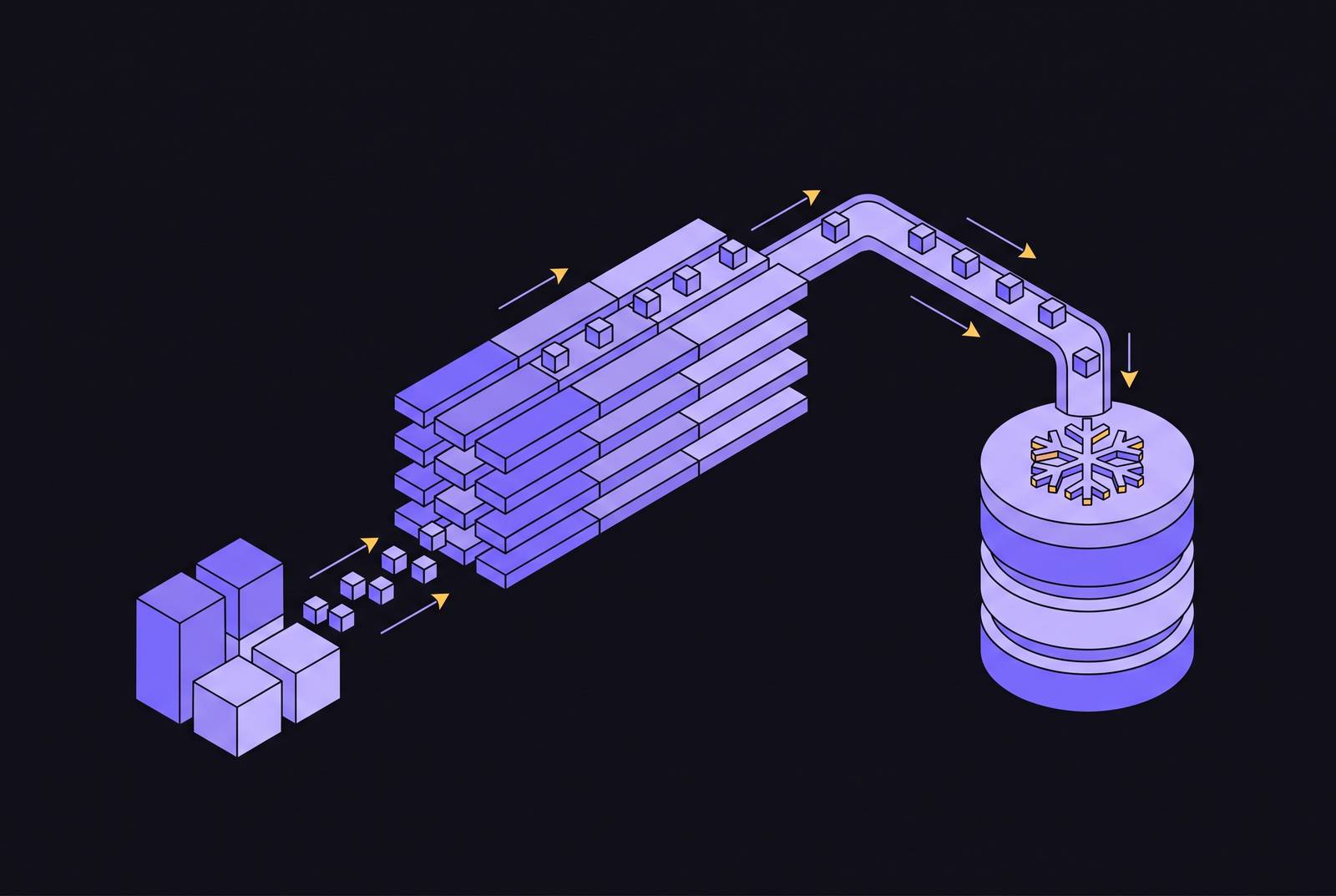
Streaming inserts into Snowflake through Kafka depend on more than a working connector configuration. The Snowflake Connector for Kafka V4 delivers rows through Snowpipe Streaming, moving much of the ingestion work from connector workers to Snowflake. A production-ready deployment therefore requires an understanding of the whole pipeline, including server-side processing, network access, offset recovery, validation, and migration behavior.
What Kafka streaming into Snowflake actually means in 2026
V4 is a sink connector that reads Kafka topics and loads rows directly into Snowflake tables without cloud-storage staging. Classic Snowpipe instead auto-ingested files landing in object storage, triggered by SQS or a REST call, with latency measured in minutes. The streaming path changes both the mechanism and the speed. V4 is a ground-up rewrite that moves buffer management, schema validation, custom serialization, and much of the tuning burden away from the client.
That shift changes where capacity planning begins. V3 relied on Snowflake-specific converters, client-side schema handling, and complex buffer settings, while V4 adopts standard community converters such as JsonConverter, AvroConverter, and ProtobufConverter. Its Rust-based client core buffers data in off-heap system memory rather than JVM heap, reducing the JVM memory burden but still requiring that memory to be included when sizing Kafka Connect workers. At scale, the bottleneck shifts toward network capacity and Snowflake-side throughput. The central server-side abstraction is the PIPE object, which defines how streaming records are validated, transformed, and committed.
What PIPE objects do and how the connector uses them
A PIPE object is both the entry point for streaming data and the definition of its processing before commitment to a target table. It moves ingestion rules closer to their destination. In-flight transformations use COPY command syntax within the PIPE to clean up and reshape rows before they reach the table. As a result, the connector no longer has to own every step between decoding a Kafka record and producing a row suitable for storage.
When a target table has clustering keys, pre-clustering happens server-side without additional connector configuration. The connector can also create target tables from incoming data, removing the need to pre-provision them. Server-side validation failures go to Error Tables, which keep invalid records so they can be inspected and replayed. These features make the client simpler, but operators still have to choose what the running pipeline should do when validation fails.
Installing and configuring the connector end to end
To put this architecture into service, teams must first verify connectivity from every Kafka Connect worker, before installing the connector. Each worker needs access to the account endpoint, the discovered ingest endpoint, and cloud-storage upload destinations. Those network requirements apply despite the move away from classic file-staging ingestion. Private connectivity also requires private DNS for both the account hostname and the ingest hostname.
Installation dependencies depend on the distribution selected. The connector is available as a JAR from Maven Central, and the OSS Apache Kafka version requires Bouncy Castle cryptography libraries to be downloaded separately. The Confluent version requires that separate download when installed from Maven Central, though not when installed through Confluent Hub. V4 also requires a new connector class, removes properties, and changes defaults relative to V3. It is not a drop-in upgrade.
Proxy setup has two independent configuration paths. Java and JDBC traffic uses JVM proxy settings through jvm.proxy.* properties or KAFKA_OPTS. Streaming traffic instead uses the native Rust Snowpipe Streaming SDK, which does not read JVM proxy settings or Java system properties such as https.proxyHost. After proxy environment variables change, the Kafka Connect worker process must restart so that it inherits the updated environment.
Authentication and routing complete the basic configuration. Key pair authentication is the default, and OAuth is also supported. However, among the Confluent Cloud Console, CLI and REST API, only the Confluent Cloud Console offers OAuth through the authorization code grant flow. Topic-to-table routing uses snowflake.topic2table.map. V4.1 adds optional regex group substitution through snowflake.topic2table.map.regex.replacement, so the mapping can use matched groups.
How ingestion mechanics work once the connector is running
At runtime, the connector reads Kafka topic partitions and delivers rows through Snowpipe Streaming channels. Each channel accepts a client-supplied offsetToken on each insertRow call and exposes getLatestCommittedOffsetToken() to retrieve its last committed token. That token is the recovery anchor. After an insert is committed, the consumer can recover the committed position and resume from the next token, rather than reprocessing committed rows or skipping uncommitted ones. Each channel guarantees that rows are delivered in order, which keeps each partition in order from end to end.
Supported inputs include Avro, JSON Schema, Protobuf, JSON (schemaless), BYTES (schemaless), and STRING (schemaless). Schema Registry must be enabled for registry-based formats such as Avro, JSON_SR, or Protobuf. Format support is distinct from schema evolution. The availability of a converter does not, by itself, establish that server-side schema evolution is ready for a particular deployment.
Batching also affects the economics of ingestion. V4 pricing is throughput-based, with a flat charge per GB ingested, and sending rows in batches costs less than sending them one at a time. Extremely sparse event streams still incur serverless processing overhead regardless of volume.
Error handling and validation modes operators must choose between
Operators must choose validation behavior deliberately because the two modes expose different failure paths. With server-side validation, invalid records go to Error Tables while the pipeline keeps running. This isolates broken records without halting ingestion. The operational cost is a longer interval before an error surfaces than with client-side validation, together with the need to inspect and replay those records afterward.
Client-side validation makes a different tradeoff between early detection and continued operation. The connector fails immediately on an invalid record unless errors.tolerance=all is configured, in which case the record can go to a Dead Letter Queue. The DLQ handles converter and client-side validation errors, while Error Tables handle server-side validation failures. These are separate monitoring surfaces.
Correct offset tracking rests on the SDK consumer, so defects in that logic can produce duplicates or gaps. This is especially significant for teams embedding the SDK in custom applications. The offset-token mechanism provides the basis for exactly-once delivery, but the consumer must use it correctly during normal operation and recovery.
Migrating from V3 to V4 without gaps or duplicates
V4 provides structured migration paths from both V3 Snowpipe mode and V3 Snowpipe Streaming mode, with no gaps or duplicates when configured correctly. That qualification requires deliberate cutover work. The new connector class and changed configuration mean that replacing the JAR alone is insufficient. A compatibility validator checks configuration at startup and fails with a descriptive error listing required settings, reducing the chance of proceeding with an incompatible setup.
For V3 Snowpipe Streaming deployments, snowflake.streaming.classic.offset.migration recovers committed offsets from V3 Snowpipe Streaming (SSv1) channels. V4 can then resume from the committed position on startup. Compatibility flags address the separate problem of preserving downstream structures. They reproduce V3 behavior for table name sanitization, column identifier normalization, and schematization, allowing the connector class to change without forcing those structures to change with it. Downgrade support back to V3 also exists, with deduplication guidance using RECORD_METADATA.
Version selection is part of migration correctness. The 2026 release notes strongly recommend 4.0.1 or newer rather than 4.0.0. Version 4.0.0-rc9 added a thread-safety issue with offset rewinds when channels were recreated, and 4.0.1 fixed it on Jun 2, 2026.
Security requirements and enterprise deployment considerations
Snowpipe Streaming’s transport layer handles end-to-end encryption, with no additional configuration required for encryption in flight. Private deployments nevertheless depend on correct endpoint resolution. As established by the connectivity prerequisites, account-hostname resolution alone is insufficient, and omitting private DNS for the ingest hostname breaks streaming traffic. A reachable account endpoint does not establish that the streaming path is ready.
Confluent’s managed connector documentation states that the Confluent Cloud connector supports Client-Side Field Level Encryption (CSFLE) and Client-Side Policy Encryption (CSPE). Separately, OCSP checks are enabled by default, and the property that disables them should be set only where OCSP servers are inaccessible. Disabling those checks elsewhere reduces certificate revocation coverage, so it is not a general workaround for connectivity problems.
Where the connector fits in a broader real-time data architecture
Freshness is the main reason to choose streaming ingestion. AI agents and real-time dashboards that query Snowflake directly depend on data that is seconds old. V4’s single-digit-second ingestion latency makes that freshness possible at scale.
For SaaS product teams, where the data needs to go can differ. A product may need to export customer data into customers’ own Snowflake accounts or other destinations, rather than populate a single internally operated warehouse. The Snowpipe Streaming architecture behind the Kafka connector also underpins white-label data integration platforms. That allows connectivity to be exposed as a product feature instead of requiring customers to manage Kafka pipelines themselves. The distinction is who operates the integration, even when the destination uses the same streaming architecture.
What the V4 release timeline tells teams still on V3
V4 reached general availability on April 20, 2026, after version 4.0.0 was published on April 17, 2026. The 2026 release notes list 4.2.2, dated Oct 13, 2026, as the current release. That version upgraded Jackson, the Snowflake JDBC driver to version 4.4.0, and the Snowpipe Streaming SDK to version 1.9.0. It also added SnowflakeAvroConverter for value.converter to preserve Avro schema.
Feature availability is not uniform across that timeline. The same release notes say server-side schema evolution is rolling out and is expected to be available to all within a few weeks of 4.2.2. Teams should verify the current rollout status before relying on it in production. For new deployments, the Cortex Code skill invoked with ssv2 quickstart provides an in-platform guided setup path. That lowers the initial configuration barrier without replacing the network, validation, and recovery decisions required for production.
Version 3.5.2 in January 2026 received security patches for CVE-2025-58056 and CVE-2025-58057 in Netty dependencies, showing that V3 receives security fixes but not new features. No hard end-of-life date is stated. Teams already on V3 Snowpipe Streaming can migrate with compatibility flags and offset migration tooling, while teams on V3 Snowpipe file-staging mode have more to change in their architecture and stand to gain the most in latency and cost. The next step is to plan migration around the existing ingestion mode, the required compatibility behavior, and a V4 release that includes the offset-recovery fix.